ANDROID APK & iOS · LATEST VERSION JULY 2026
Royale Casino Mobile App
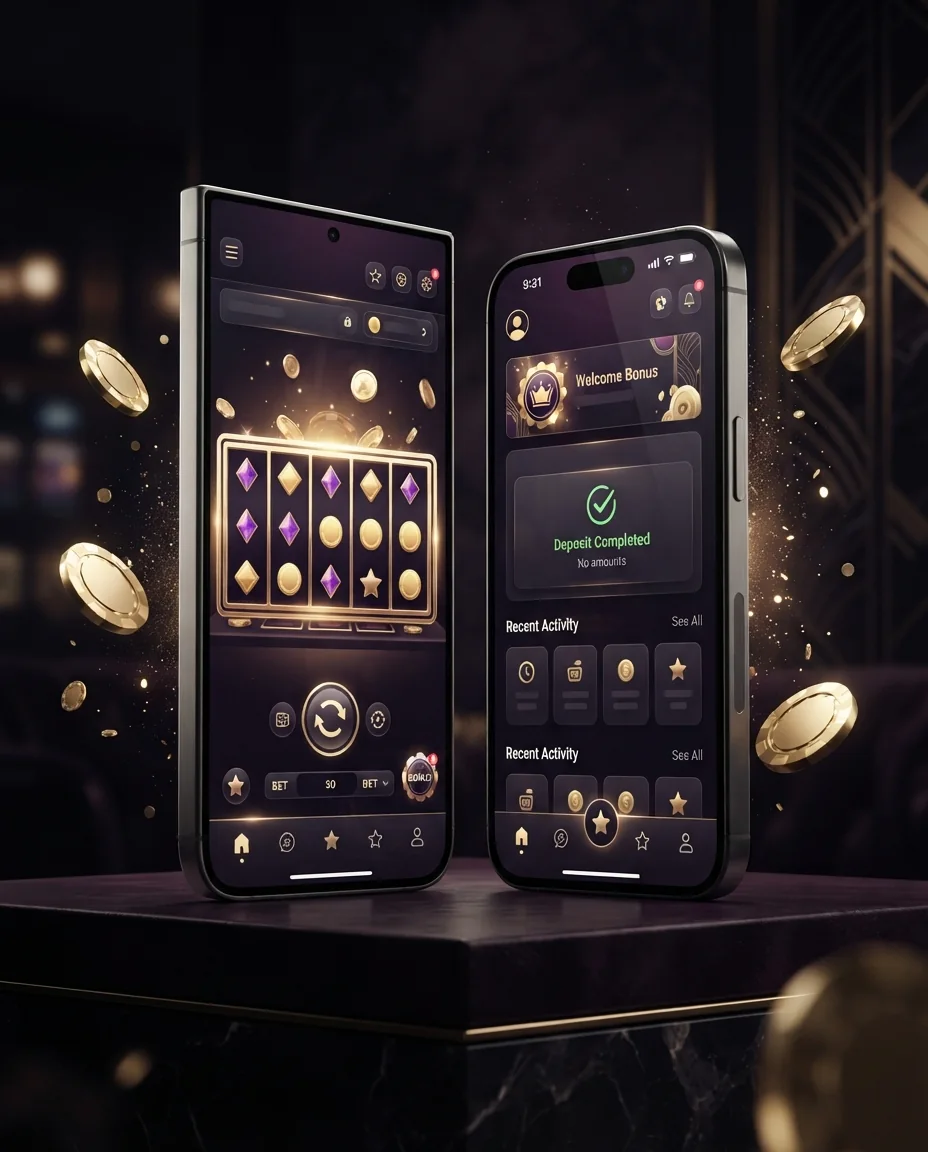
The Royale Casino mobile app puts the whole casino in your pocket. Once you download and install it, slots, Aviator, live dealer tables and sports betting all open in full screen with fast loading and one-tap access. The Android build ships as a lightweight 28 MB APK that runs on Android 7.0 and up, while iPhone and iPad owners add a full-screen web app straight from Safari. Both routes support AZN deposits through m10, Kapital Bank and ABB. Below you will find the direct APK install guide, the version table, the iOS path, an app-vs-web comparison, system requirements and answers to common questions.
18+ · For entertainment only · Responsible gaming
Get the app — three platform options
For Android users the main route is the direct APK: because Google Play does not accept real-money betting apps, the official file is served straight from the site. iPhone owners create a home-screen shortcut through Safari, and on a PC the browser alone is enough. The buttons below take you to the official download source under a Curaçao license.
APK version history
Current and previous releases are listed below. The version number, file size and release date (Baku time, UTC+4) are always kept up to date on this page. If you are still on an older APK, installing the latest build gives you the newest speed and security improvements.
| Version | Size | OS | Date |
|---|---|---|---|
| APK v3.8.2 (current) | 28 MB | Android 7.0+ | 04.07.2026 |
| APK v3.7.5 | 27 MB | Android 7.0+ | 12.06.2026 |
| APK v3.7.0 | 26 MB | Android 6.0+ | 21.05.2026 |
| iOS Web App v3.8.0 | ~6 MB | iOS 14+ | 02.07.2026 |
How to install the APK on Android
The steps below get the APK running from scratch on Android. No card or password data is collected on this page at any stage — all sign-in happens inside the official app’s own form.
Check your storage
Make sure the device has at least 60 MB of free space so the install does not stall halfway through.
Download the file
Tap “Download the APK”. When the download finishes you will see the file in your notification panel.
Allow the source
When the system asks, choose “Allow from this source”. This permission is only needed for this one install.
Install
Tap “Install” and wait for the process to finish — it usually takes less than ten seconds.
Open and play
Log in to the app, make a deposit and start the games. New players can begin with the welcome bonus.
The iOS path — add to home screen
On iPhone and iPad there is no APK to install; instead you build a full-screen web app through Safari. Open the official site in Safari, tap the Share icon at the bottom and choose “Add to Home Screen”. The icon that appears behaves like a normal app and mirrors almost every APK feature: fast entry, notifications and the full game library. iOS 14 or newer is recommended. This method fully complies with Apple’s rules and installs nothing outside the App Store.
- Open the official Royale Casino address in Safari.
- From the Share menu, select “Add to Home Screen”.
- Confirm the name — the icon will appear on your home screen.
- Tap the icon and play in full screen.
App or mobile browser?
Both routes connect to the same account, so your balance, bonuses and game history stay in sync no matter which you open. The app offers more comfort and speed and is the better choice if you play often, while the browser lets you start with nothing to install and is handy on a shared or borrowed phone. Whichever you pick, deposits and withdrawals work exactly the same in AZN.
The app
- One-tap entry from your home screen
- Uses less mobile data
- Notifications so you never miss a bonus
- Stable on weaker connections
Mobile browser
- Nothing to install
- Takes up no storage
- Opens on any phone
- Needs the current working link
For the iOS install, PC setup and a broader platform comparison, see the download page. If you run into trouble signing in, the login guide will help. You can return to the home page at any time.
System requirements
The APK is light and runs smoothly even on budget phones. On devices that meet the minimum, a stable internet connection is essential for real-time games such as live casino and Aviator. A 4G or Wi-Fi connection keeps live streams sharp and prevents dropped rounds, while 3G is enough for slots and everyday play. The app also caches the interface after the first launch, so it reopens quickly even when your signal is weak.
| Requirement | Minimum | Recommended |
|---|---|---|
| Android | 7.0 | 10.0+ |
| RAM | 2 GB | 4 GB |
| Free storage | 60 MB | 200 MB |
| Internet | 3G | 4G / Wi-Fi |
Mobile app — frequently asked questions
Why is the APK downloaded from the site instead of Google Play?
Google Play restricts real-money betting apps. For that reason the official APK is distributed directly from the site — this is completely normal and a widespread practice across the industry.
Will installing the APK harm my phone?
No. A file taken from the official source is safe. Once the install is finished, we recommend switching the “Unknown sources” permission back off.
How do I update an older APK?
Download the new APK and install it over the old one — your account details and balance are not lost. The current version for July 2026 is v3.8.2.
Can I deposit with m10 in the app?
Yes. The app supports the m10 mobile wallet along with Kapital Bank and ABB cards in AZN. m10 withdrawals usually take 5–15 minutes.
Will it run on an older Android phone?
Android 7.0 or higher is required. On older devices, use the mobile browser version instead — it opens on nearly any phone.
Download the app now
Install the latest version and play Royale Casino in full screen on your phone.